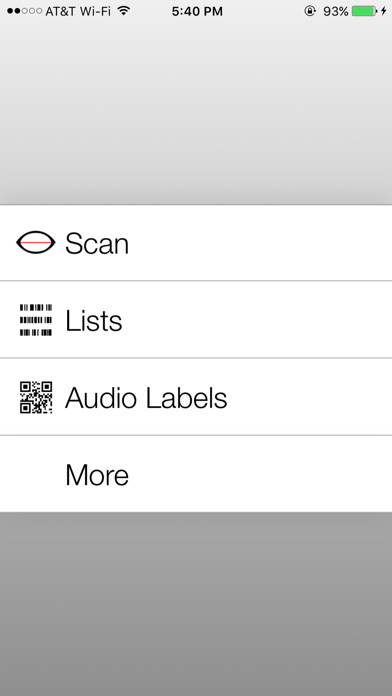
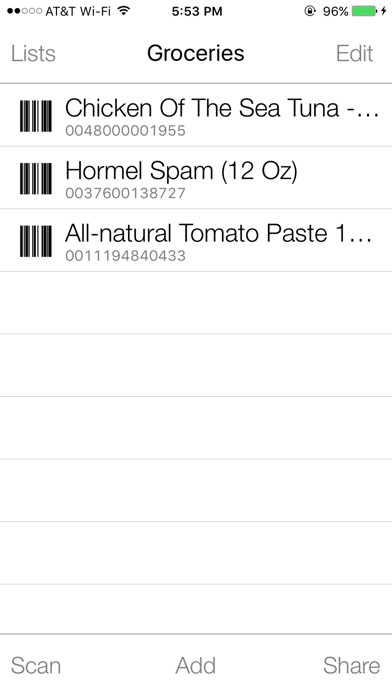
Best. Barcode. Reader. Ever! Scan UPC / EAN codes and hear the names of over 37 million products! Make your own QR code labels on the Digit-Eyes website and print them on inexpensive address labels. These barcoded labels may contain text that VoiceOver reads aloud or they can be used to record audio on your iPhone or iPad that is played back whenever the bar code is scanned.
Blind? Dyslexic? Having problems reading? Digit-Eyes is for you! With Digit-Eyes, you can
-
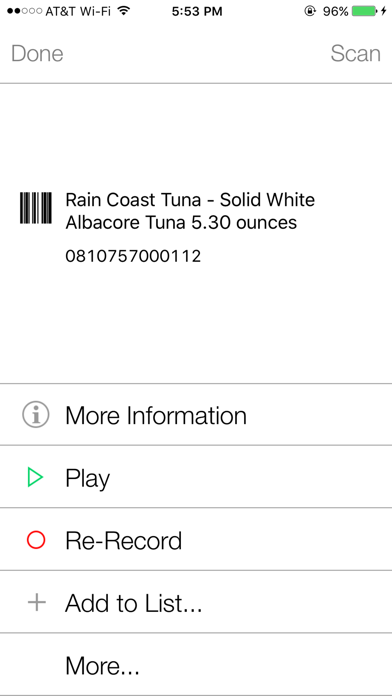
Record your own labels. Visit the Digit-Eyes web site to print specially coded quick-response (QR) digital code labels, apply one to your calendar or a box of leftovers, scan, and record a message. To listen to the recording, just rescan the label. This is how Nancy keeps track of her appointments; how Jeanette labels her canning and how Randy keeps the fridge clean.
-
Make text-based labels. Visit the Digit-Eyes web site to type up to 250 characters per label, print the specially coded quick-response (QR) barcodes on address labels on your local printer and apply them to your file folders or CDs. To listen to the text, scan it with the Digit-Eyes application on any iPhone or iPad. This is how Will’s secretary labels his folders and how Ana snoops through her friends’ CD collection.
-
Buy pre-printed washable labels. Sew them into your clothing and record whatever you want to about the garment: color, fabric care or what it should be worn with. Even when the labels have been washed, bleached, sent through the dryer or dry-cleaned, you’ll still be able to scan them with the Digit-Eyes app on your iPhone or iPad and hear what you recorded about the garment. This is how Davey makes sure he is wearing matching clothing and how Elizabeth can easily sort the laundry.
-
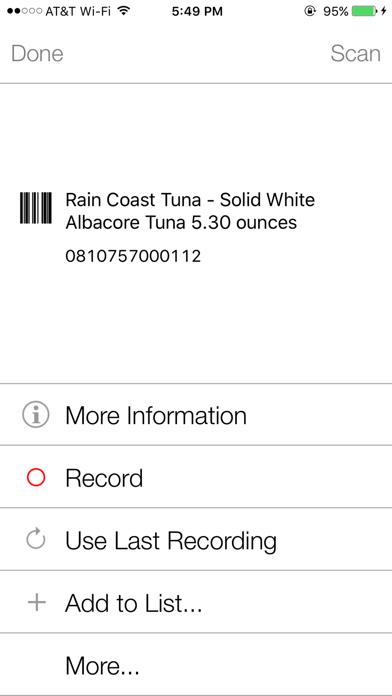
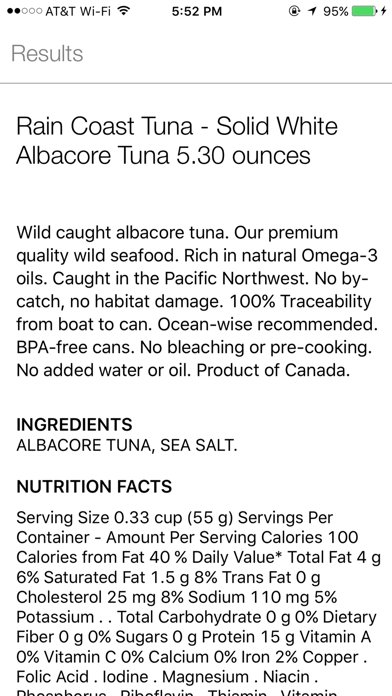
Use the manufacturer's product code to find out what the item is. Digit-Eyes includes a feature that enables you to identify many groceries, CDs, and other consumer goods by scanning the UPC and EAN codes on the products. Just