Overview
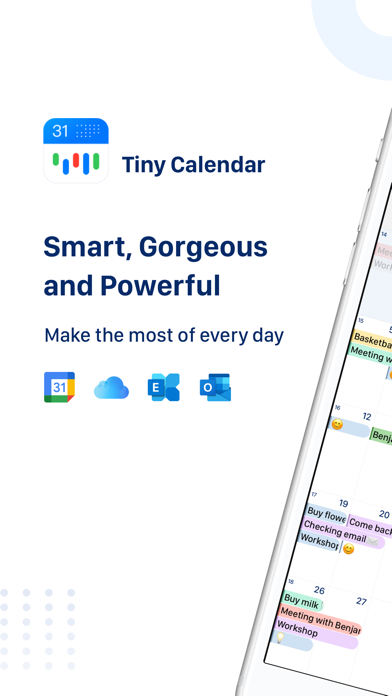
Tiny Calendar stands out as a highly intuitive and feature-rich productivity application designed to streamline personal and professional scheduling across Apple devices. Functioning as a smart calendar, it seamlessly integrates with Google Calendar and iOS local calendars, encompassing events from iCloud and Exchange. Its core strength lies in its ability to simplify event management, offering diverse viewing options and intelligent input methods to make planning more efficient.
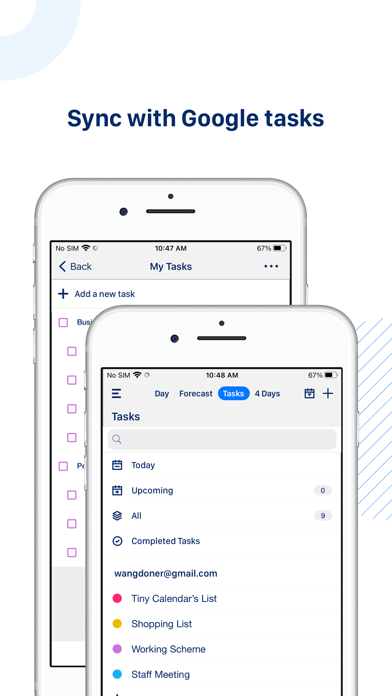
The app goes beyond basic calendar functionalities by incorporating robust task management capabilities, specifically for Google Tasks, negating the need for separate applications. With real-time synchronization, offline access, and a sophisticated reminder system, Tiny Calendar ensures users stay organized and never miss an important appointment. The app's commitment to accessibility is further highlighted by its availability across iPhone, iPad, and Apple Watch with a single purchase, providing a consistent and powerful calendaring experience across the Apple ecosystem.
Key Features
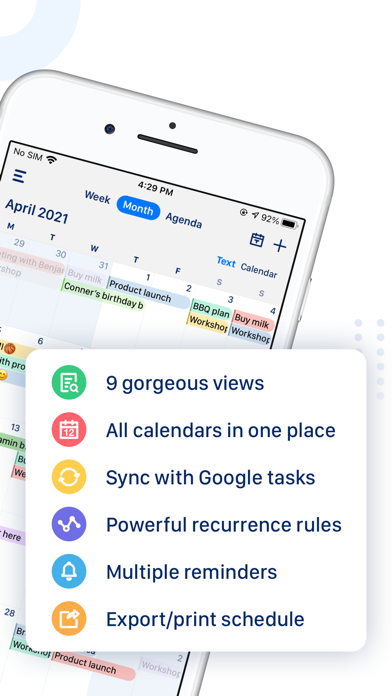
- Smart Event Creation: Utilizes natural language input, drag-and-drop, and gestures to intelligently predict user intent for effortless event creation and editing.
- Integrated Google Tasks: Manage and sync all your Google Tasks directly within the app, eliminating the need for a separate task manager.
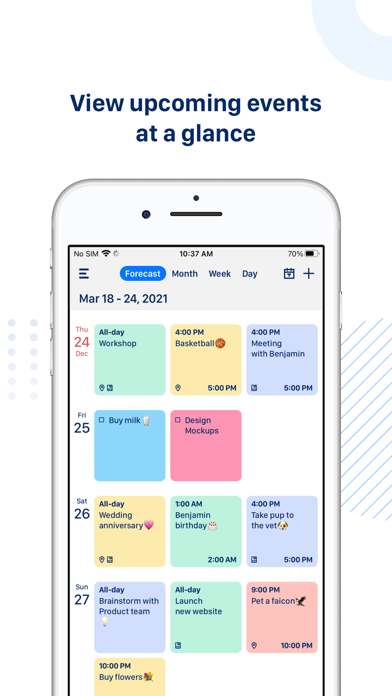
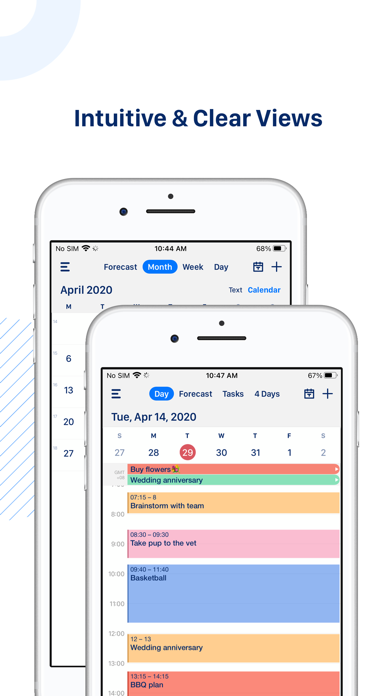
- Multiple Viewing Options: Offers 9 standard views including Forecast, Day, Week, Month, Year, and Agenda, allowing users to quickly find information.
- Real-Time Synchronization: Directly syncs with Google Calendars and works with iOS local calendars for iCloud, Exchange, and other services.
- Offline Functionality: Create, edit, and delete events even without an internet connection, with changes cached and synced once online.
- Advanced Reminders: Set comprehensive reminders via push notifications or email for all events, ensuring you stay on schedule.
- Universal Access: Available across iPhone, iPad, and Apple Watch with a single download, enhancing cross-device productivity.
Who It's For
Tiny Calendar is ideal for individuals seeking a powerful, all-in-one productivity solution to manage their schedules and tasks efficiently. It caters to users who heavily rely on Google Calendar and Google Tasks, as well as those who prefer a clean, intuitive interface with advanced scheduling features. Professionals, students, and busy individuals who require robust synchronization, comprehensive reminder systems, and the flexibility of offline access across their Apple devices will find Tiny Calendar an invaluable tool.