Overview
Edits: Video Editor, developed by Instagram, is a powerful and free mobile video creation application designed to empower creators to produce high-quality videos directly from their smartphones. This app streamlines the entire video production process, offering a comprehensive suite of tools from capture to export, all within a user-friendly interface. It's especially tailored for content creators looking to produce polished and shareable videos for various platforms, with a notable emphasis on Instagram integration.
The application excels at simplifying the creative workflow by allowing users to capture up to 10-minute long 4K clips and immediately dive into editing. Users can manage all their drafts and finished projects in one centralized location, ensuring a smooth and organized experience. A standout feature is the ability to export videos in stunning 4K resolution without watermarks, making it ideal for professional-looking content that can be easily shared across any social media platform.
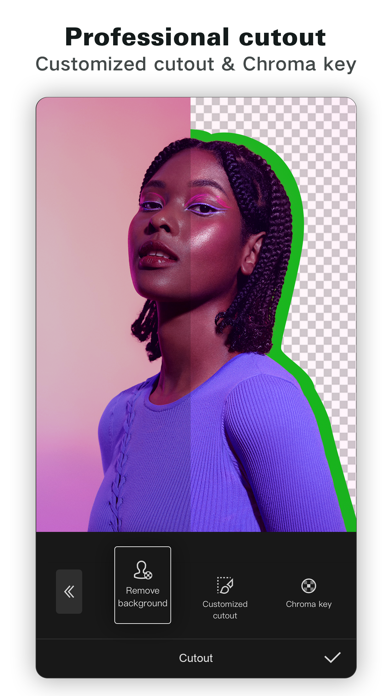
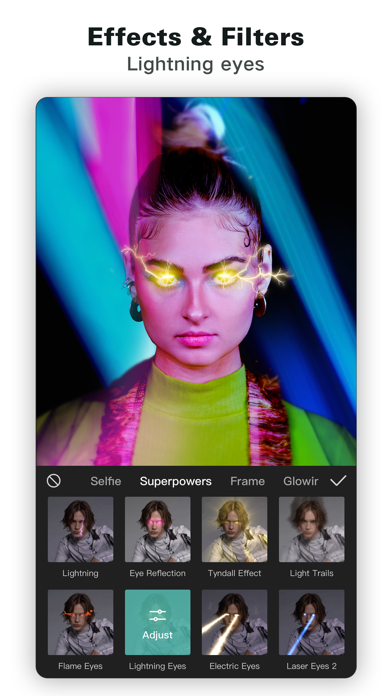
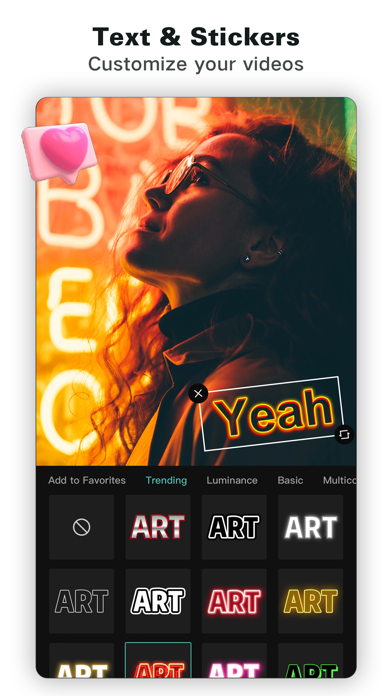
Beyond basic editing, Edits: Video Editor boasts advanced capabilities that allow for precise, single-frame adjustments and a rich array of creative enhancements. From AI animation and sophisticated background manipulation tools like green screen and cutout, to an extensive library of fonts, sounds, effects, and stickers, creators have everything they need to bring their visions to life. The app also provides valuable insights and inspiration, enabling users to track performance, browse trending audio, and keep abreast of creative ideas, fostering continuous improvement in their content creation.
Key Features
- 4K Export & No Watermark: Export high-resolution videos without branding, shareable across all platforms.
- Unified Project Management: Keep all video drafts and finished projects organized in a single, accessible location.
- High-Quality Capture & Immediate Editing: Record up to 10-minute 4K clips and begin editing instantly.
- Instagram Integration: Seamlessly share edited videos to Instagram with optimized, high-quality playback.
- Single-Frame Precision Editing: Achieve meticulous control over edits with frame-by-frame adjustment capabilities.
- Advanced Camera Controls: Adjust resolution, frame rate, dynamic range, flash, and zoom for optimal footage.
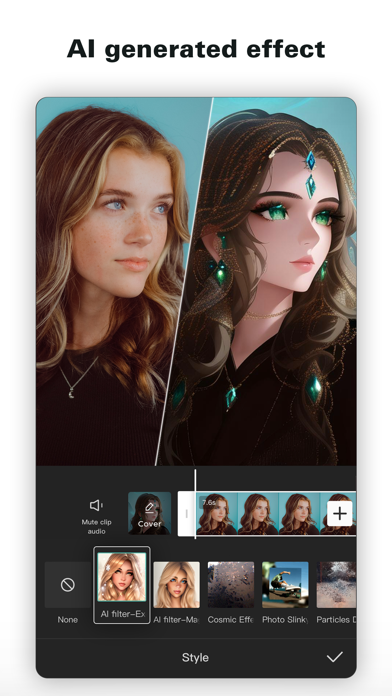
- AI Animation & Background Tools: Animate images with AI, and modify backgrounds using green screen, cutout, or video overlays.
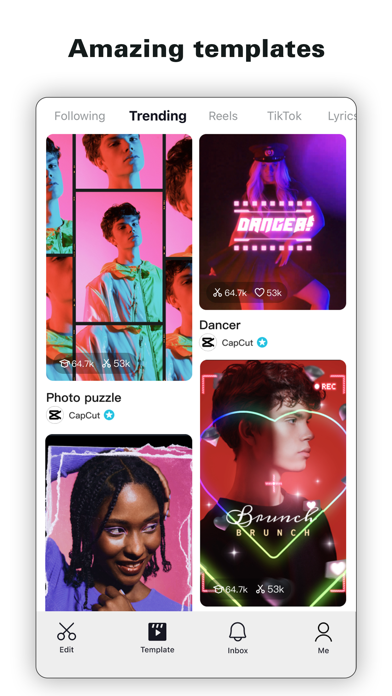
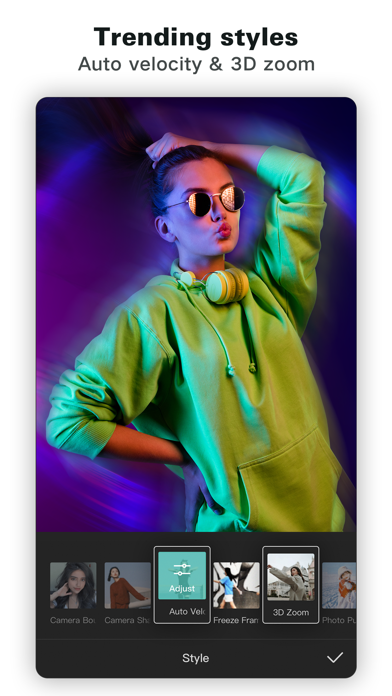
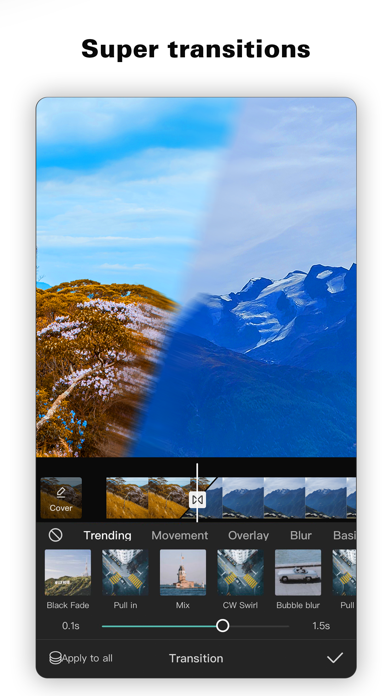
- Rich Creative Assets: Access a wide selection of fonts, sound/voice effects, video filters, effects, and stickers.
- Audio Enhancement: Improve voice clarity and reduce unwanted background noise in your videos.
- Automated Captioning & Customization: Generate captions automatically and customize their appearance.
Who It's For
Edits: Video Editor is ideal for social media content creators, aspiring videographers, Instagram influencers, and anyone who wants to produce polished, high-quality video content directly from their phone. It's particularly suited for users who regularly share videos on platforms like Instagram and require powerful editing tools without the complexity or cost of professional desktop software. Beginners will appreciate its intuitive workflow, while more experienced creators can leverage its advanced features for detailed, precise edits and creative enhancements.