Overview
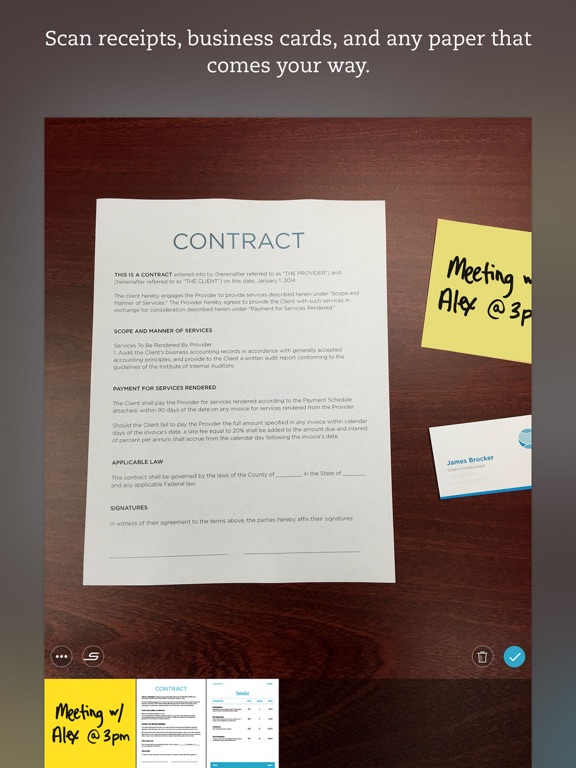
Evernote Scannable is a dynamic mobile application designed to streamline the process of digitizing physical documents. It transforms your smartphone's camera into a powerful scanner, enabling users to quickly and efficiently capture a wide array of paper items, from contractual agreements and financial receipts to business cards and whiteboards. The app prioritizes speed and convenience, automatically detecting, capturing, and optimizing scans to ensure clarity and readability.
Beyond simple digitization, Scannable integrates seamlessly with other productivity tools, particularly Evernote, allowing for effortless sharing and saving of documents in various formats like PDF and JPG. Its intelligent features extend to practical applications such as converting business card information directly into contact entries, enhancing professional networking and organization. The app positions itself as a comprehensive solution for individuals and teams looking to reduce paper clutter and enhance digital workflow, even offering multi-device control for dedicated scanning hardware.
Key Features
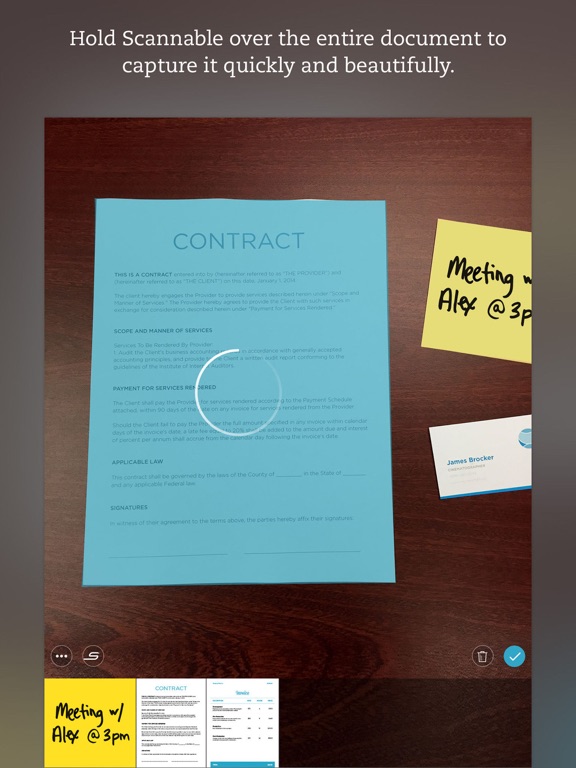
- Rapid Capture: Instantly scans documents, receipts, and whiteboards by simply pointing your camera.
- Automatic Optimization: Automatically rotates, crops, and adjusts images for clear, easy-to-read scans.
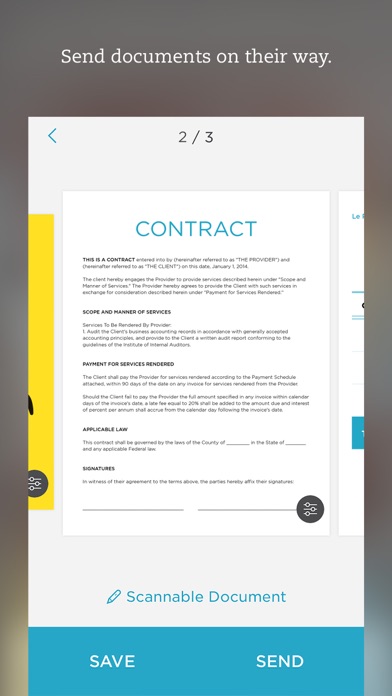
- Flexible Sharing: Share documents with colleagues via email or text directly from the app.
- Multi-Format Export: Export scans as PDF or JPG files to Evernote and other compatible applications.
- Business Card Integration: Extracts information from business cards to automatically create new contacts.
- Team Scanning Control: Allows multiple team members to control a ScanSnap Evernote Edition Scanner from their individual devices.
Who It's For
Evernote Scannable is ideal for busy professionals, freelancers, students, and small business owners who frequently deal with paper documents and need an efficient way to digitize, organize, and share them. It caters to anyone looking to go paperless, streamline expense tracking, build digital contact lists from physical cards, or quickly capture information from whiteboards during meetings. Teams working collaboratively on projects will also find value in its shared scanning capabilities.