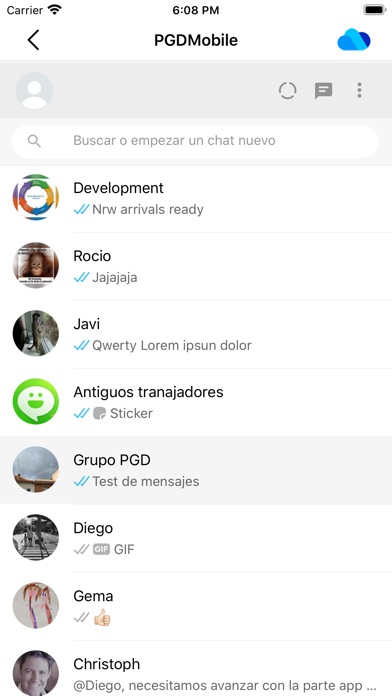
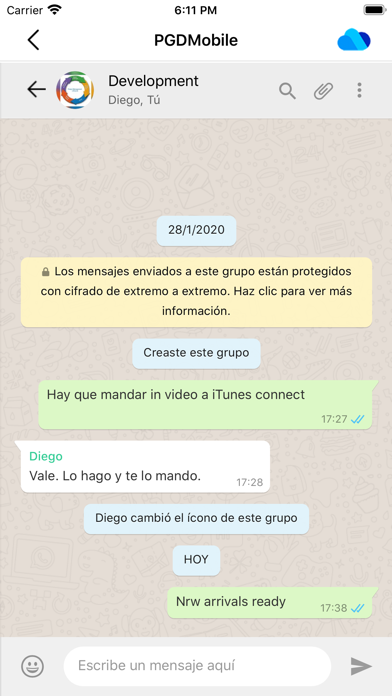
Welcome to WhatsPlus, the application that synchronizes your WhatsApp accounts. Double or multiply your accounts as many times as you need. The perfect solution to bring WhatsApp to your iPad. Read more to learn how to have more than one WhatsApp account on your iPhone, or WhatsApp on iPad.
WhatsPlus allows you to access, through WhatsWeb, all the accounts that you have or need to manage. And also, with all the features you already have.
We present to you several scenarios that we use now WhatsPlus:
Have two or more phones with WhatsApp:
· In this case, WhatsPlus allows to have all the WhatsApp accounts on the same device.
Cloud features and services:
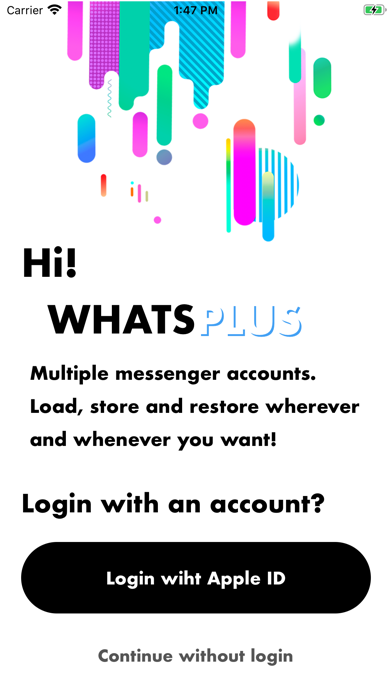
· WhatsPlus offers the use of the cloud to store your sessions and use them in other devices. Use your Apple credentials to sign in the app and store your sessions, then you will be able to load them in your other devices with your Apple credentials.
How does WhatsPlus work?
· WhatsAgain works by pairing the official WhatsApp accounts through the WhatsWeb platform.
How to match a WhatsApp account with WhatsAgain?
· Open WhatsAgain and follow the steps until you see a QR code on the screen.
· On the mobile with the WhatsApp account, navigate to 'Settings' -> 'WhatsApp Web / Desktop' -> 'Scan QR code'.
· Scan the QR code of the mobile screen with WhatsAgain and wait for the account to load. AND READY!!!
Can I stop using my official WhatsApp account on WhatsAgain?
Yes of course. You simply have to close the session or the WhatsWeb sessions that you want from your WhatsApp app.
SUBSCRIPTION PRICING AND TERMS
- About Subscription:
WhatsPlus offers you the following subscription:
Monthly Membership offers a monthly subscription for $0.99 after a 3-day free trial. After buying this subscription, you will unlock the following features: Send audio messages, you will be able to signin the app with your Google account, you will be able to save your WhatsApp Web session in the cloud, you will be able to open your stored